Meta released a new update for Quest that brings a host of new features, including a new ‘Surface Keyboard’ that lets you type on any flat surface.
Meta has already started rolling out Quest’s v85 update on the public test channel (PTC), making it the first major update since the company revealed it was shaking up Reality Labs in a bid to shift focus to AI and smart glasses.
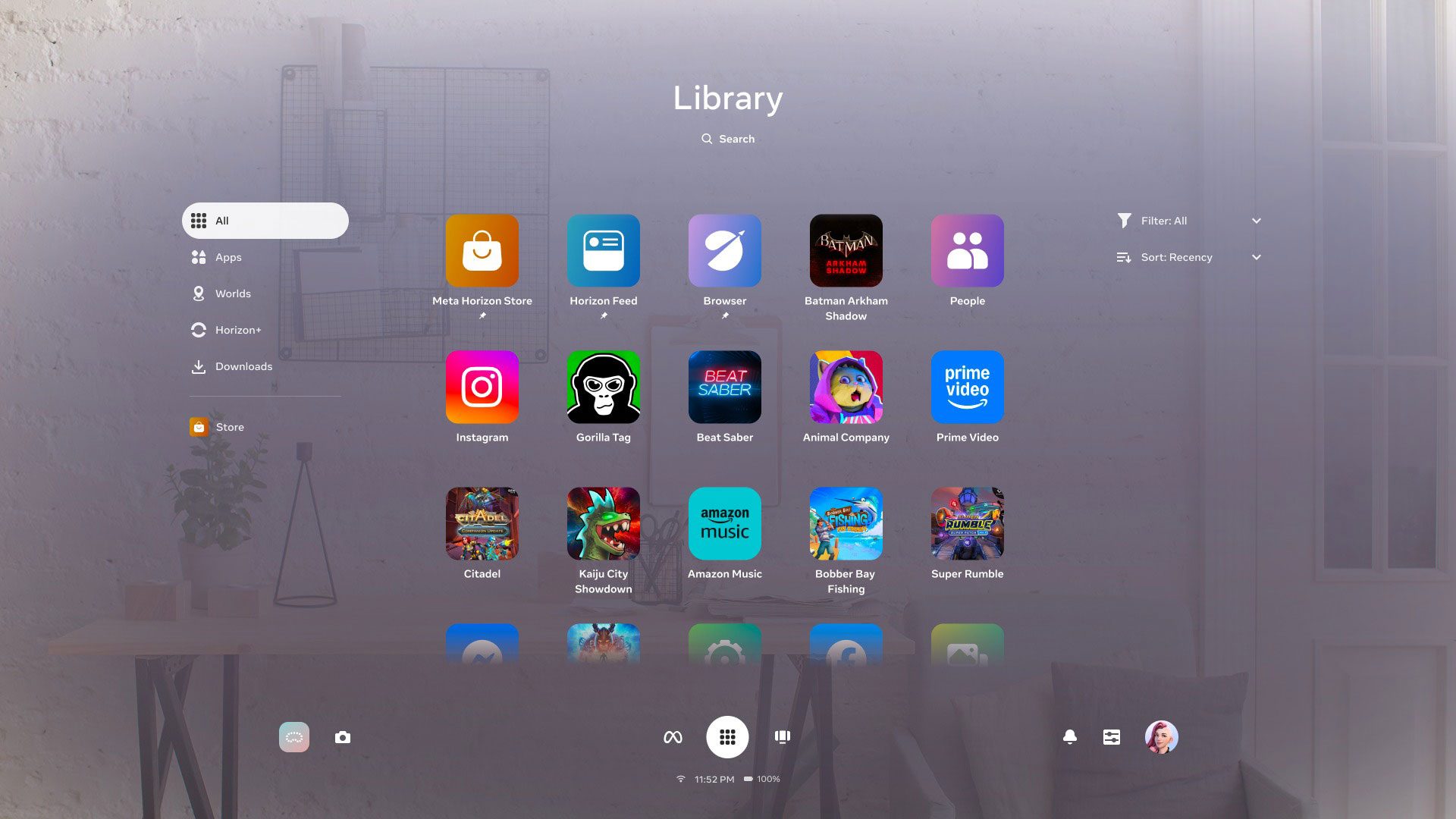
According to the v85 patch notes, the update is set to retire ‘Horizon Feed’, which released with v57 in late 2023, bringing a mishmash of user-created Worlds, apps, games, and Reels.
The update is also set to make Navigator the default UI, which overhauls the platform’s dock-based UI for a more mobile-style launcher overlay.
For years now, if you wanted to type something on Quest you had three main methods: use the floating keyboard, pair a physical keyboard which the headset can actually track, or use voice for text input.
Now, Meta is rolling out ‘Surface Keyboard and Touchpad’ as an experimental feature on Quest 3, which allows users to input text and control a mouse by simply mapping them to a desk or table.
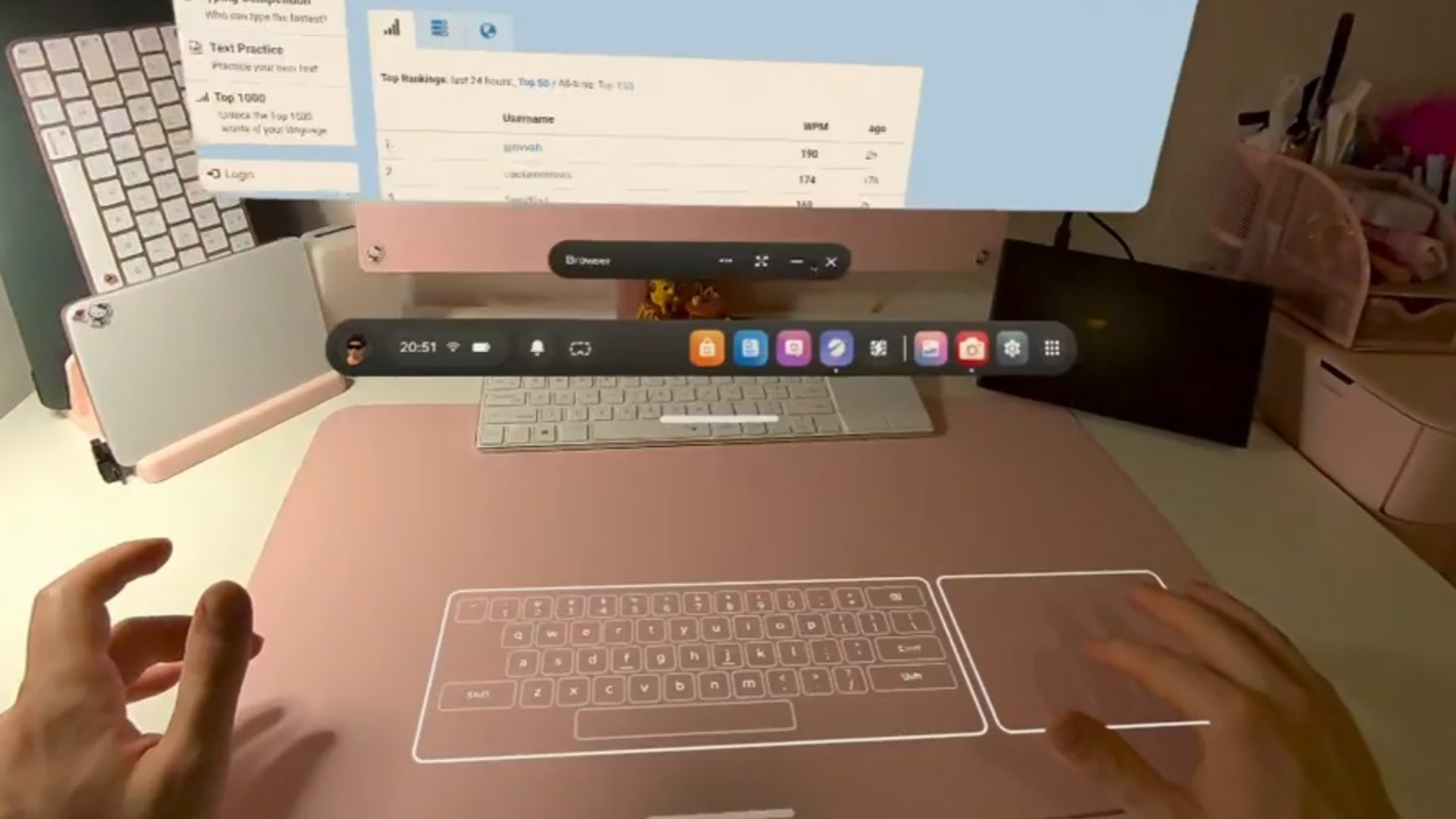
Meta says the new Surface Keyboard is ideal for “casual productivity, browsing, messaging, and 2D applications,” as it includes a basic key set.
Meanwhile, the virtual touchpad supports index-finger actions like move, click (tap), drag (double tap and move) and two-finger scrolling with your index and middle finger. Meta says however that a physical keyboard “is still advised for high-volume writing.”
Quest 3 users who are enrolled in the PTC can opt into the feature from the ‘Experimental’ section of ‘Settings’. If you’re not already, here’s how to enroll in PTC:
- Open the mobile app, tap Menu in the bottom-right corner, then tap Devices.
- Tap Headset settings, then tap Advanced settings.
- Tap the toggle next to Public Test Channel to try to join Quest PTC.
- If the toggle doesn’t work, Quest PTC is currently full and not available.
Another feature is the newly redesigned activity bar, which is said to allow for quicker and easier access to controls like recording, calls, and media.
Other updates include the ability to temporarily hide virtual hands via quick actions, customize the Quest 3S’ action button to trigger preferred system actions with short or long presses, and scan for malware. You can check out the full v85 (PTC) release notes here.