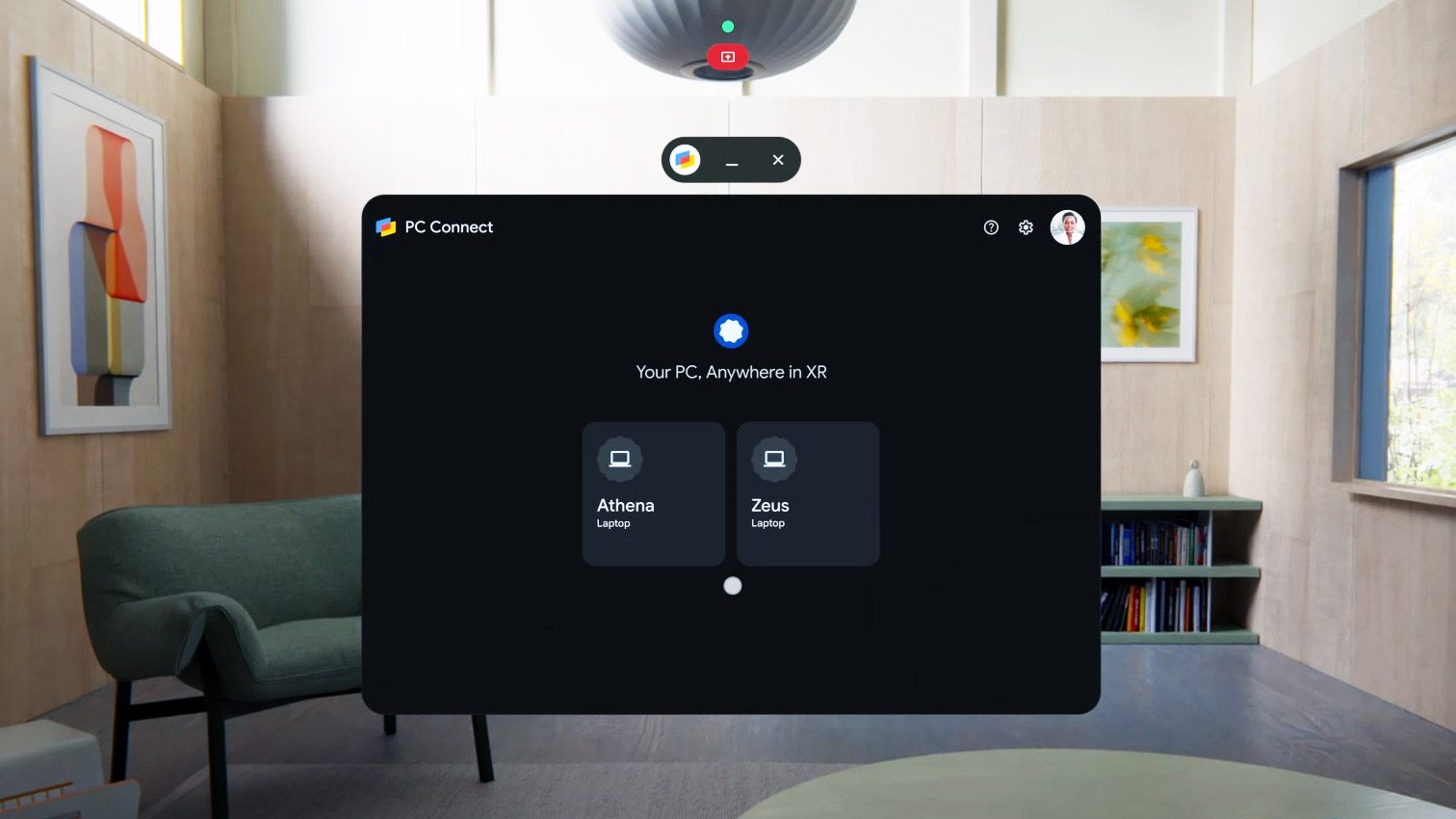
Google is rolling out a beta version of PC Connect, a free first-party virtual desktop app for Android XR. With the app, users can stream content from their Windows PC. Desktop apps work, of course, but Google says it has also optimized PC Connect for streaming flat games, and ensured that content on the screen works with Gemini.
The News
Google announced PC Connect this week, saying it is rolling out in beta form. It will presumably require the latest version of Android XR (also rolling out this week), as well as a companion app installed on the Windows PC you want to connect to.
Google says PC Connect is optimized to stream desktop apps, with a focus on low latency and high framerate to make flat games streamed from the PC feel responsive.
With input crossover, you can control the PC Connect virtual desktop with input from the headset, or from the keyboard & mouse (or gamepad) on the host computer. And, Google says, your computer mouse & keyboard extend into Android XR itself, letting you control the whole system from one input device.
In a brief demo I saw of PC Connect, Google showed desktop applications and games running from a nearby laptop. They showed how the system-level Gemini assistant can ‘see’ the streamed apps (just like local apps) which means you can seamlessly use Gemini on anything you stream to the headset.
More impressively, Google showed me Android XR’s new ‘auto-stereo’ feature working on flat games streamed from the laptop. Auto-stereo converts flat content into stereoscopic 3D in real-time, and it works at the system level. That means any window you open on Android XR (including the PC Connect window) can be converted to stereoscopic 3D.
I got to play Stray (2022) streaming from the laptop, using a gamepad. Considering the auto-stereo feature has no data other than the flat frames being provided from the game in real-time, I was quite impressed with how well it was able to add stereo depth to the game’s complex world. And, because auto-stereo is running on the headset itself, it adds no overhead to the game’s rendering on the host device.
However, there were some performance stutters as I played. It’s unclear to me at the moment if this was due to the streaming laptop not rendering the game smoothly, Wi-Fi stability, or the auto-stereo feature not quite keeping up. I look forward to putting both PC Connect and the auto-stereo feature through their paces once I have them on my own headset.
My Take
PC Connect is far from the first virtual desktop streaming application available on XR headsets. In fact, the longstanding Virtual Desktop itself has been available on Android XR since day one.
However, the launch of PC Connect shows that Google is recognizing that virtual desktop streaming is something that Android XR users want. And it’s free (compared to Virtual Desktop’s $25 pricetag), which makes it a good value-add to users who have never used a virtual desktop app and wouldn’t see the need to spend money on one.
At launch, PC Connect can’t stream PC VR content to the headset (an advantage for Virtual Desktop), but Google suggested this may be added to PC Connect in the future.
The combination of PC Connect with the auto-stereo feature is really interesting. If it works well enough across a wide variety of games, stereoscopic 3D feels like a real enhancement to flat PC games, and gives a genuine reason I’d want to play them in the headset rather than on a traditional monitor. Most likely the accuracy of the auto-stereo feature will be hit-or-miss with some games, but there’s reason to believe it will only get better over time as Android XR headsets become more powerful.
One big question that I’m waiting to hear back from Google about is if the PC Connect creates a direct Wi-Fi link between the PC and the headset (like with Vision Pro), or if both devices need to be connected to an intermediary Wi-Fi network. The former is ideal, as a direct wireless connection between the PC and headset is generally more reliable. And importantly, it means you can stream from your laptop to your headset even when Wi-Fi is inaccessible (or not high performance). Working or streaming media on a plane, for instance, is much easier if you don’t need to count on the plane’s saturated Wi-Fi network.
And last but not least, Mac support for PC Connect was not mentioned. I expect it isn’t included at launch, but it wouldn’t be unheard of for Google to add it in the future.