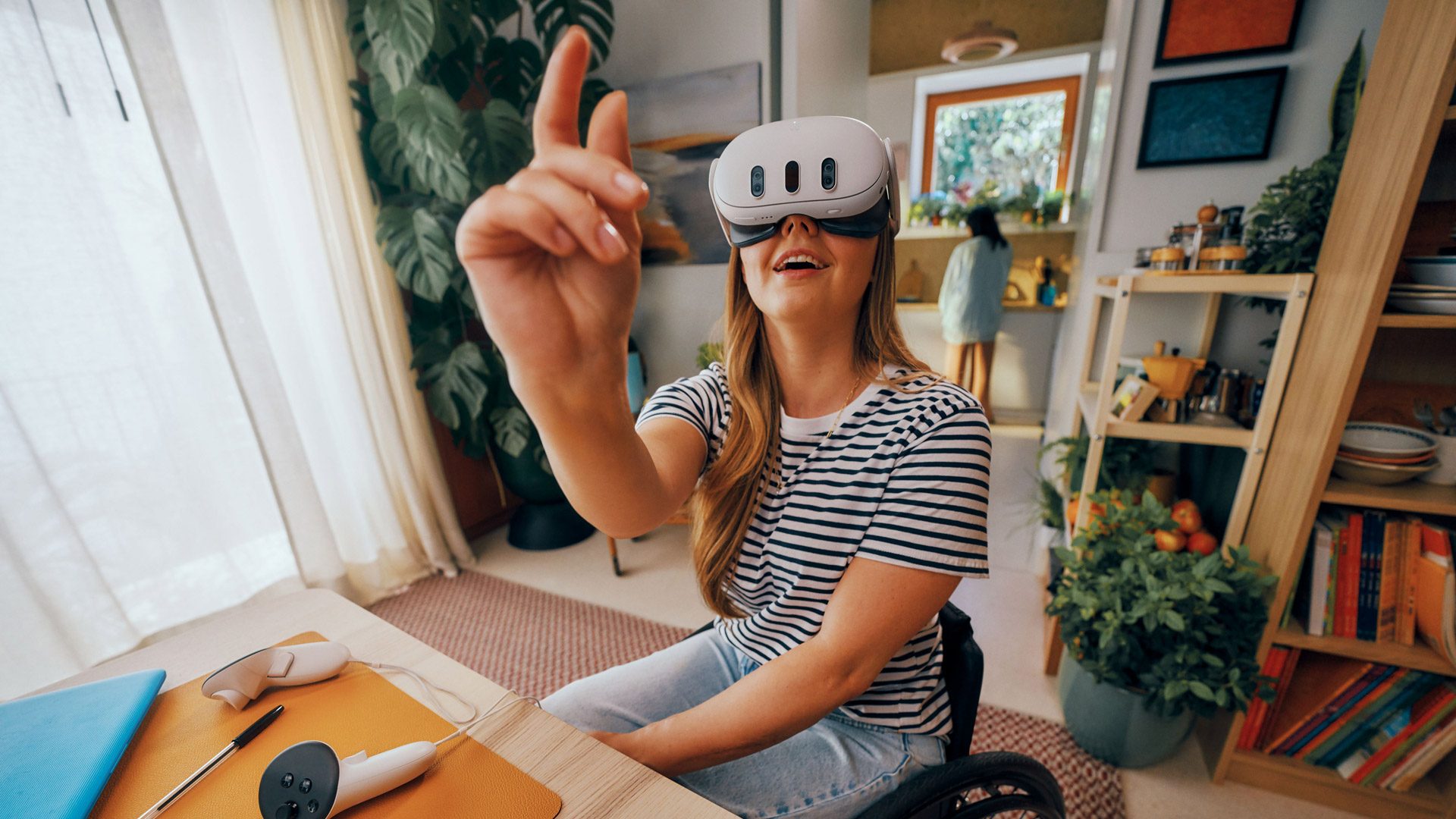
Meta has rolled out a new update to Quest that aims to drastically improve hand-tracking performance and reliability.
The News
The v83 update, which is rolling out now to Horizon OS, is said to increase reliability of hand-tracking in a number of cases, including during fast movements, when used for locomotion, and throwing virtual objects.
In the so-called ‘Hands 2.4’ implementation, the update makes high-speed interactions feel “more responsive and believable,” Meta says in a recent developer blog post, noting that fast twitch movements have historically challenged hand-tracking, especially in rhythm and fitness apps.
The Interaction SDK also sees major enhancements, Meta says. New hand-first locomotion samples, such as improved teleportation gestures, natural climbing, and physics-based movement, are also included so developers can use them without having to build their own systems from scratch.
Notably, developers now have more customizable throwing interactions, also including new sample scenes demonstrating styles like darts, bowling, frisbee throws, and ball sports.
Developers looking for more information can check out the documentation for both the Unity and Unreal game engines.
My Take
True to Meta’s word, v83 seems to be a big improvement to hand-tracking on Quest. I kind of wonder why it all matters though. To me, the supposition largely seems to be this: we know how to use our hands, so logically the most immersive way of interacting in VR should be the same. Right?
I honestly don’t think so, at least not for now. While I’d agree there is no perfect input scheme in VR (short of a direct neural link), controllers still offer the best input experience in a majority of cases.

Granted, I admire Meta for ratcheting down yet further on its optical hand-tracking tech, which is streets ahead of what we saw when the company rolled out hand-tracking on Quest in 2019. But even now in v83, it can only approximate some of the controller’s functionality.
Yes, I can pinch and grab, or hold my thumb and index finger to open a system menu, and also twiddle my virtual fingers about—the last of which promises a level of input granularity that not many XR games can really make use of. Maybe now I can punch a little more accurately, and teleport around a little more reliably. Still, I’d much rather just grab a controller and get the job done 100 percent of the time.